Site tutorials · Tutorial 24 of 27
Start the progress tracker
Accept the tracker's terms once, then a guided set-up turns your peptides, doses and schedules into a protocol you track every day.
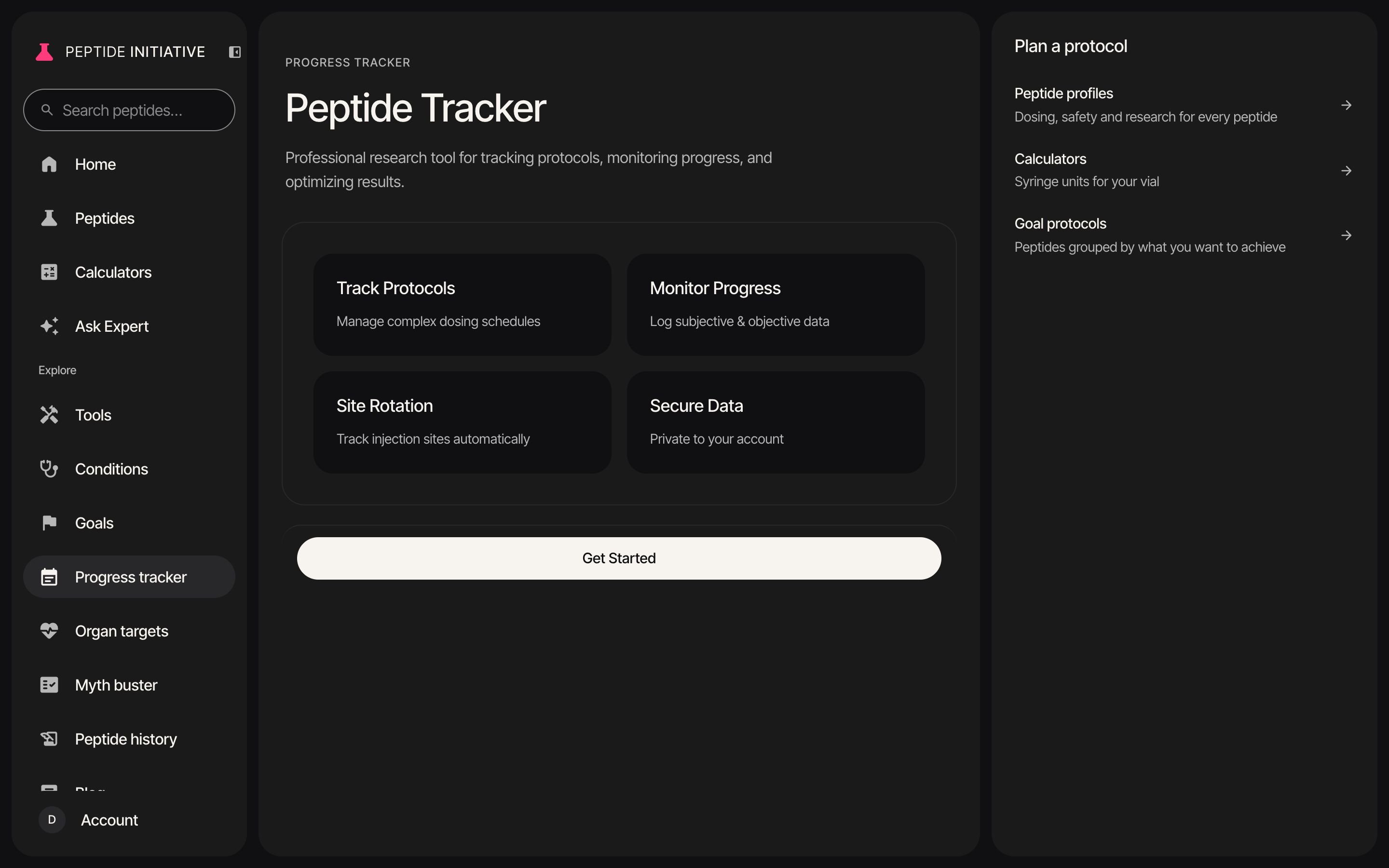
Accept the terms
- 1The progress tracker is free. Start tracking on its page opens it — sign in first, or create an account
- 2The first time, you're shown the tracker's terms
- 3They say what the tracker records, and who can see it
- 4Your tracker gets a profile number. Statistics count it under that number, never your name
- 5They say what deleting your account removes, and what it keeps
- 6Tick that you've read and agree to them
- 7Press Accept and continue — your set-up opens next
Watch
The way in, and the terms
From the tracker's page to its terms, read and ticked.
Choose your peptides
- 1The first visit sets your tracker up, a step at a time. Press Get Started
- 2Your name comes from your account. Change it if you like, then press Looks Good!
- 3Which peptides you take: search for each one and tick it
- 4Add as many as you take — they gather under Selected. Press Continue
- 5For each peptide, tick why you're taking it — one reason or more
Watch
Set-up: your peptides
BPC-157 and TB-500, each with a reason.
Set each schedule
- 1For each peptide: how often you take it. Daily goes straight to the dose
- 2Fewer than seven times a week? Pick the days you inject — its doses land on those days, on your dashboard and in the calendar
- 3Your starting dose: press a suggested dose, or type your own in mg, mcg or IU
- 4How long the cycle runs: press 8, 12, 24 or 36 weeks, or enter the number of weeks
- 5How often you'll log your progress — three times a week is the default
- 6What to track. The list fits your peptides, and the first two are ticked to start. Tick anything else you want to follow
- 7The injection sites you're comfortable with. The tracker rotates through them
- 8The review shows everything you chose on one screen. Press Start Tracking — your dashboard opens with today's doses
Watch
Set-up: schedules and the review
BPC-157 daily, TB-500 on Mondays and Thursdays, then the review.
Change your protocol later
- 1On your dashboard, under the calendar, press More, then Protocol Settings
- 2Every peptide you track, with its dose and schedule. Press one to open it
- 3The days you picked at set-up show beside its schedule
- 4Change the dose and its unit — the documented range sits under it
- 5Change how often you take it, and for how many weeks
- 6Add peptide adds another, with its usual dose filled in
- 7Save Changes keeps what you changed — your dashboard and calendar follow it
Watch
Protocol settings
Open a peptide, look over its settings, and add another.
Good to know
- You accept the terms once, and again only if they change.
- Saving a dose as My protocol on a peptide's calculator, while signed in, adds that dose to your tracker too.
- Picking a different frequency in Protocol Settings drops the days you chose at set-up for that peptide; its doses then follow the new frequency.
- In a group, your group sets up your protocols for you.