
Tutorial 12 of 15
Save research to your Notebook
The Notebook is your own corner of the site: sections you clip from profiles, filed into folders, kept with a link back to where they came from.
Clip a section
- 1Signed in, every section header shows a bookmark button
- 2Press it — the save dialog opens with a title already filled in
- 3The note files itself into a folder named after the peptide; change either if you like
- 4Press Save
Watch
Saving a section
One press on the bookmark files the section into your Notebook.
Find it again
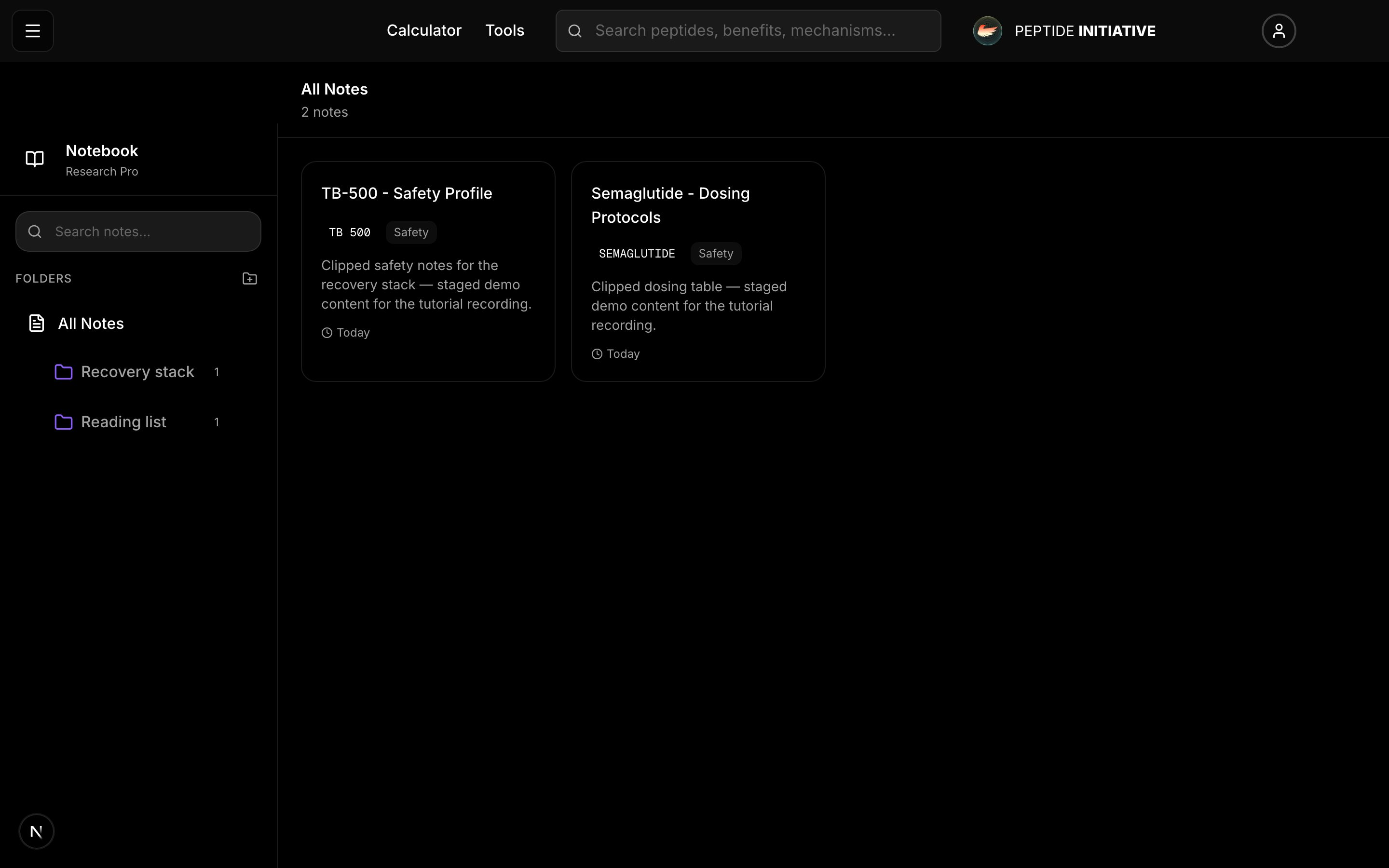
- 1Open Notebook from your account menu — or go to /notebook
- 2Folders sit on the left — on a phone, press the book icon for them
- 3Pick a folder, then open a note to read it, retitle it, or add your own thoughts
- 4Every note keeps a link back to the profile it came from
Watch
Inside the Notebook
Folders, notes, and the way back to each profile.
Good to know
Accounts are free, and the Notebook comes with every account.
Notes are editable after saving — retitle them, move them between folders, or delete them from the Notebook itself.