
Tutorial 3 of 15
Dose a blend of peptides
One vial, more than one peptide. The blend calculator works out one injection that lands your most important dose exactly.
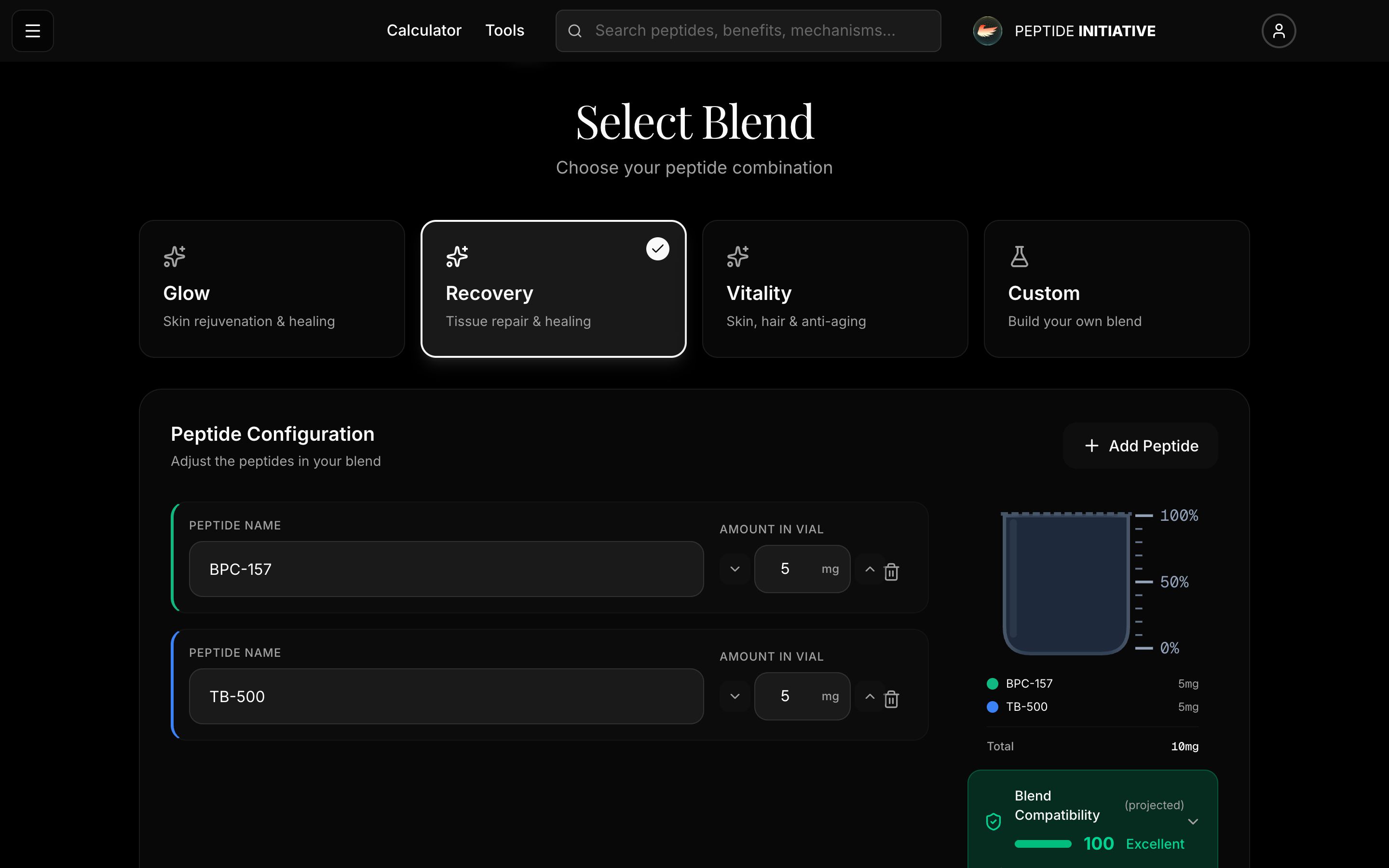
Set up your blend
- 1Open the Calculator page and choose Blend Calculator — for a vial that holds more than one peptide
- 2Pick a ready-made blend, or Custom to build your own — your first tap brings the calculator into focus
- 3Each peptide in the vial gets a row: its name and how much of it is in the vial
- 4Press Add Peptide for another row and type its name
- 5Blend compatibility is a projected score for these peptides in one vial — press it for the reasons
- 6Press Continue
Watch
Setting up a blend
Presets, peptide rows, and the compatibility score.
Water, doses, and the result
- 1Step 2 — the water you mixed in. Press the mL, or type it under Custom
- 2Step 3 — your doses. Choose the peptide whose dose matters most — that one is Primary
- 3Set its dose — press an amount or type your own. mcg and mg switch at the top
- 4Step 4 — how much to draw, in insulin-syringe units. Prefer mL? Switch it
- 5Delivered doses: what each peptide in the blend gives you at that volume
- 6Press Complete to see your whole blend on one screen and adjust it live
Watch
Water, doses, result
From the water to the units to draw, with every peptide's delivered dose.
Good to know
One injection carries every peptide in the vial, so only the Primary peptide's dose is exact — the others follow the blend's ratios.
The compatibility score is projected from each peptide's chemical profile. It is labelled projected on the card.