Site tutorials · Tutorial 27 of 27
Join a tracker group
A group sends you a private link. Read what joining means and the group's waiver, join, and keep tracking on your own account — or help run a group as an advocate.
Join from your link
- 1Your group sends you a private link. It opens their invite
- 2What joining means: your group's staff see your protocols, doses and check-in answers
- 3Never your photos or the notes you type — and you can leave at any time
- 4Then your group's waiver. Read it through
- 5Tick that you've read it and agree
- 6Press Join group. Your group sets up your protocol, and you're emailed when it's ready
Watch
Join a group
What joining means, the waiver, and Join group.
In a group
- 1In a group, your dashboard works as before — your group set up your protocol
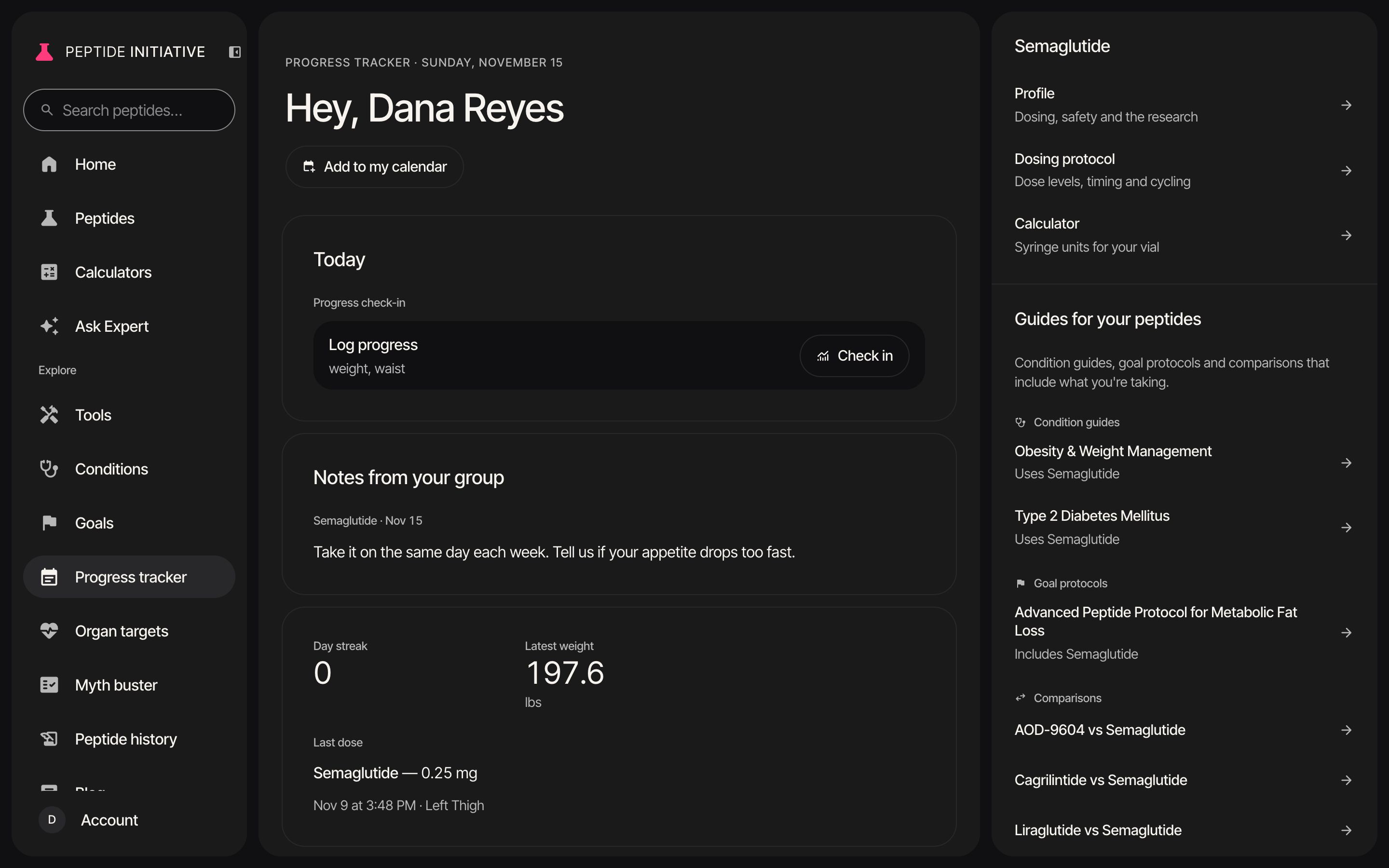
- 2Notes from your group sit on your dashboard, and in your calendar
- 3Your group: its name, your code, and what its staff can see
- 4Progress photos and the notes you type are never shared with your group
- 5You can leave at any time: your group stops seeing your tracker, and everything you logged stays in your account
- 6Stay in group keeps things as they are
Watch
As a member
Notes from the group, the group card, and leaving.
Become an advocate
- 1An advocate's invite comes by email. Its link opens this page
- 2What you can do as an advocate, and what only the group's admin can
- 3Sign in with the address it was sent to, and press Accept
- 4Then Group tracking opens on the group you help run
- 5Members show by their codes until the admin gives you the names passphrase
Watch
As an advocate
The advocate invite, then the group.
Good to know
- Not signed in when you open your link? Sign in or create an account first — this browser keeps the invite for an hour and brings you back.
- A person is in one group at a time.
- An invite link works once and expires in 30 days. If yours has, ask your group for a new one.
- Only you can delete your account, at any time, from your Account page.