
Tutorial 5 of 15
Find your way around a profile
Every peptide profile answers the same five questions, in the same order — and the top of the page sums it up before you scroll.
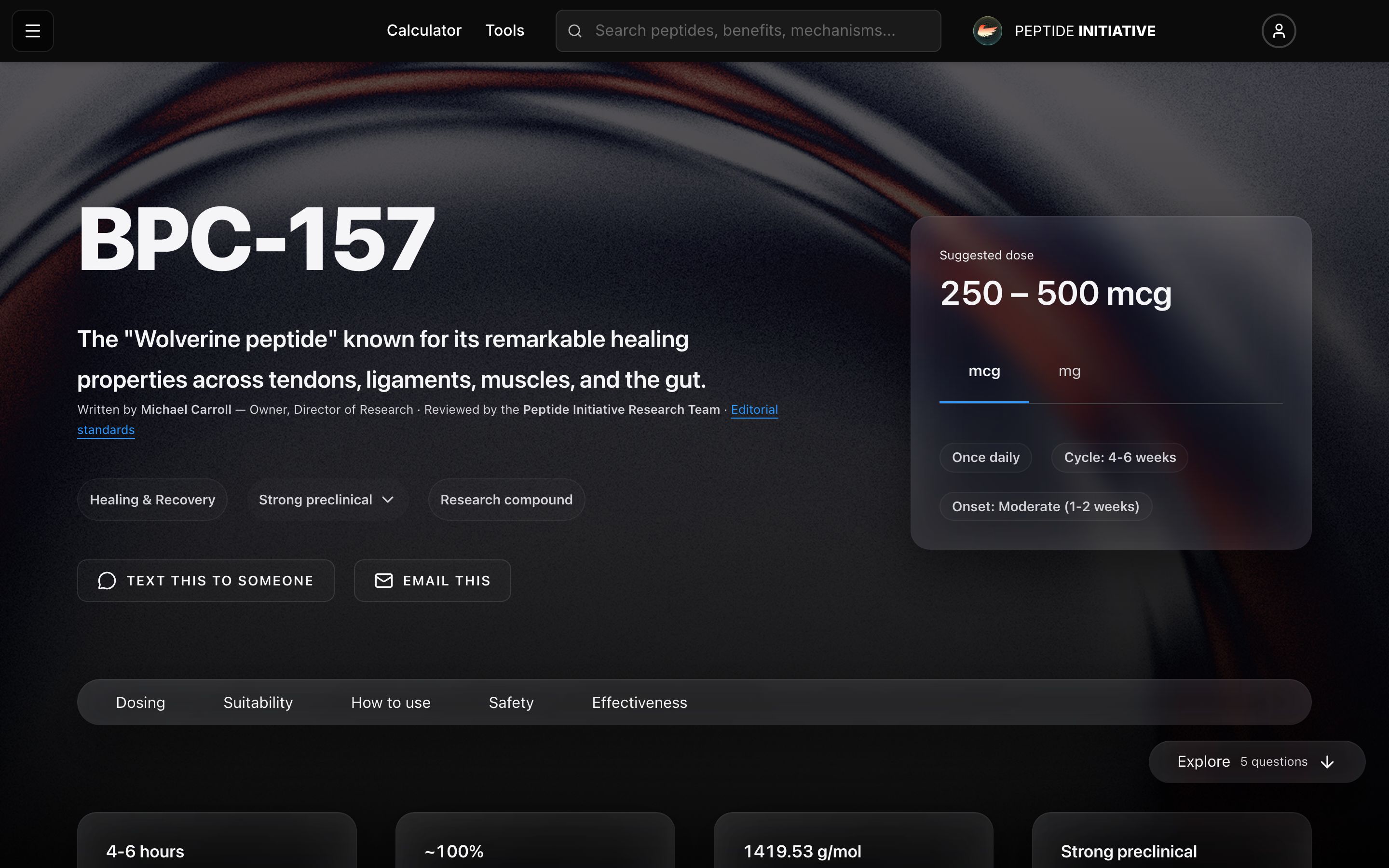
The top of the profile
- 1Open any peptide's profile
- 2The chips under the name sum the peptide up. Press one to read it in full — press again to close it
- 3Suggested dose — the documented range, with every dose level below it
- 4Rather read it in mg? Switch the unit — the numbers convert in place
- 5Text this to someone and Email this send the peptide's one-card quick page
Watch
The top of a profile
Summary chips, the suggested dose, and the unit switch.
Move through the five questions
- 1Every profile answers five questions: how much, is it right for me, how to use it, is it safe, is it working
- 2Press a question in the section bar to jump straight to it
- 3Or press Explore in the corner — each press moves to the next question
- 4Near the end, common questions open with a press; press again to close them
Watch
The five questions
The section bar, the Explore button, and the common questions.
Good to know
On a computer the section bar stays pinned under the header as you scroll. On a phone it scrolls away with the page — Explore stays in the corner.
Explore only moves forward and disappears once you reach the last question.
Peptides dosed by body weight show a weight field instead of the unit switch.