
Tutorial 9 of 15
Text a peptide's quick answers to anyone
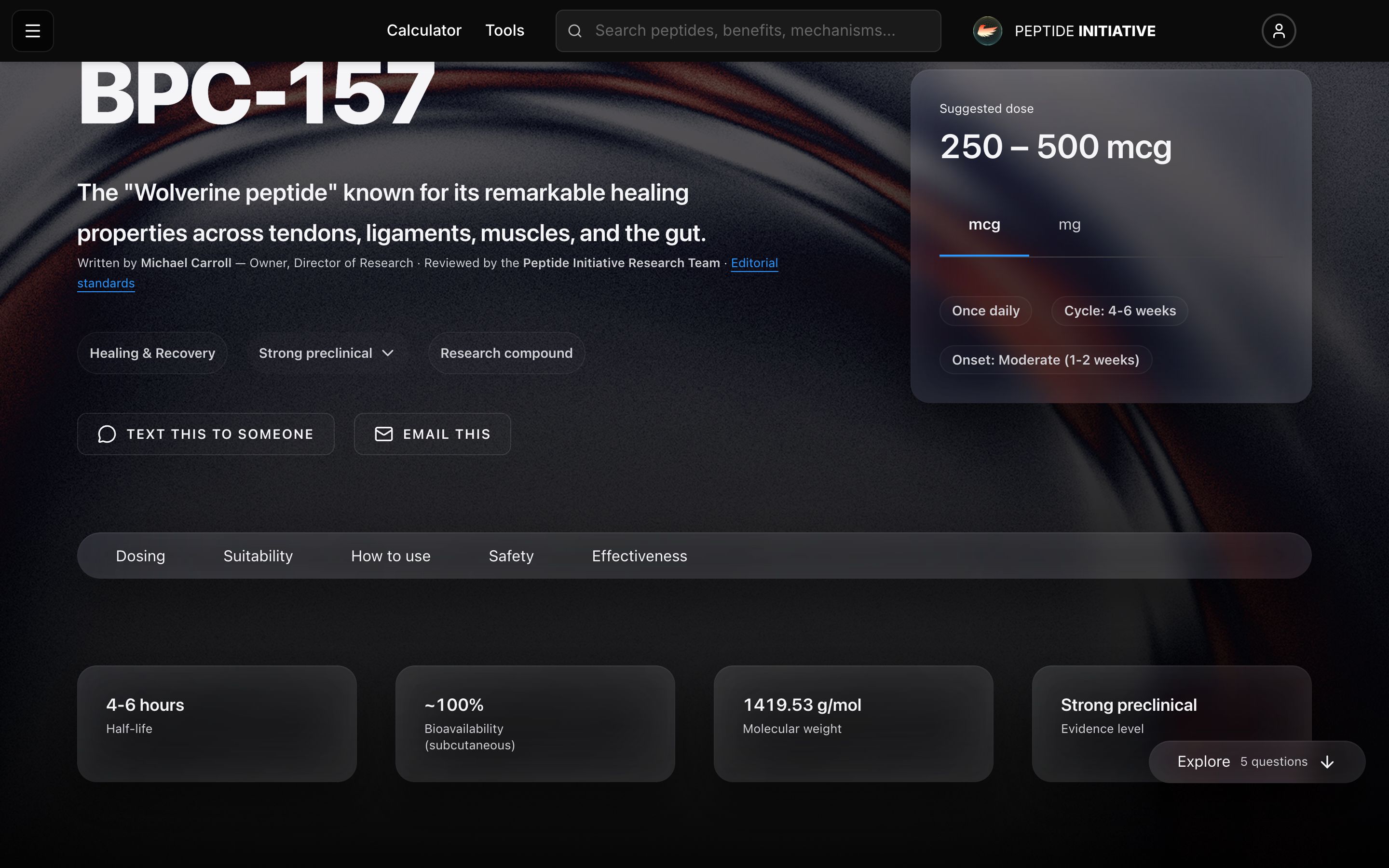
Looking something up for someone else? Every profile can send a one-card summary — what it is, the dose, safety, the evidence — straight from your own Messages app.
Send the card by text
- 1Open any peptide's profile
- 2Right under the dose card at the top sit two buttons
- 3Press Text this to someone — on a phone your Messages app opens with the link already filled in
- 4On a computer, Text this to someone copies the link — paste it into any message
- 5Email this beside it does the same by email
Watch
The share buttons
The two share buttons under the dose card at the top of every profile.
What your friend receives
- 1The link opens the peptide's quick page — no account, nothing to install
- 2Five answers on one card: how much to take, whether it fits, how to use it, whether it's safe, and how to know it's working
- 3See the full profile at the bottom leads into the complete page when they want the depth
Watch
The quick page
The quick page the link opens — five answers on one card.
Good to know
The text message is just the link, on purpose — that is what makes Messages render the preview card instead of plain text.
The quick page is public. Whoever you send it to needs no account and sees no ads for one.