Site tutorials · Tutorial 14 of 27
Ask Expert about a peptide
Every profile has a question box for the expert, with that profile as the subject.
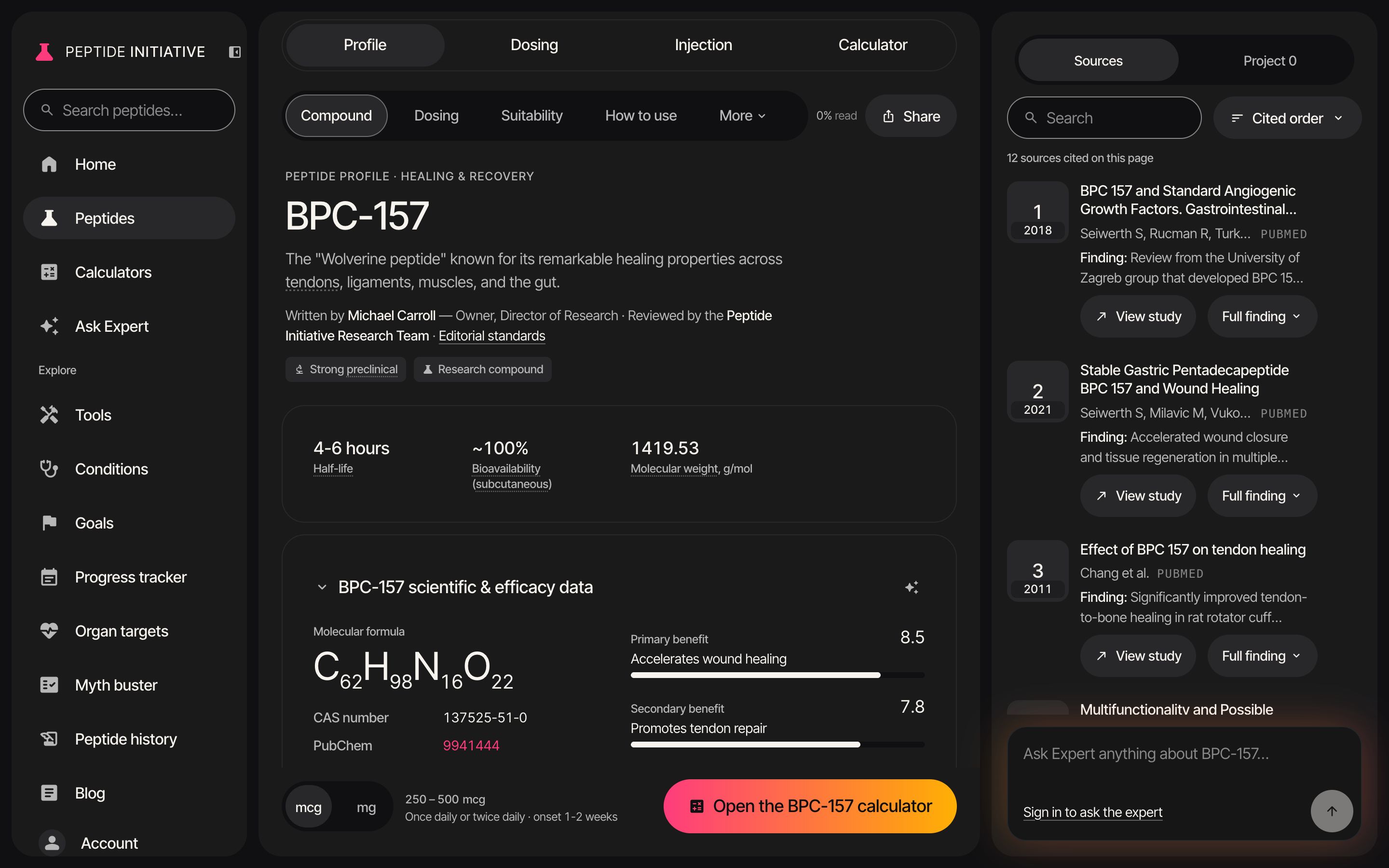
Ask from a section
- 1Section headers carry an Ask Expert button — the sparkle
- 2Press it — the question box starts the question for that section. On a computer it sits at the bottom of the Sources panel; on a phone it opens above the dose
- 3Finish the question
- 4About this page: the question is about this profile
- 5Press the arrow — or Return — to send
- 6The answer appears above the question box
- 7On a phone, × closes the box
Watch
Ask Expert on a profile
Start from a section, finish the question, read the answer in place.
Good to know
- Ask Expert answers signed-in readers. Signed out, the box shows Sign in to ask the expert.
- You can also type straight into the box — Ask Expert anything about BPC-157… — without a section's button.
- Return sends; Shift+Return starts a new line.
- The … menu on a Best for row has Ask Expert about this; the … menu on a source has Ask Expert about this study.