
Tutorial 11 of 15
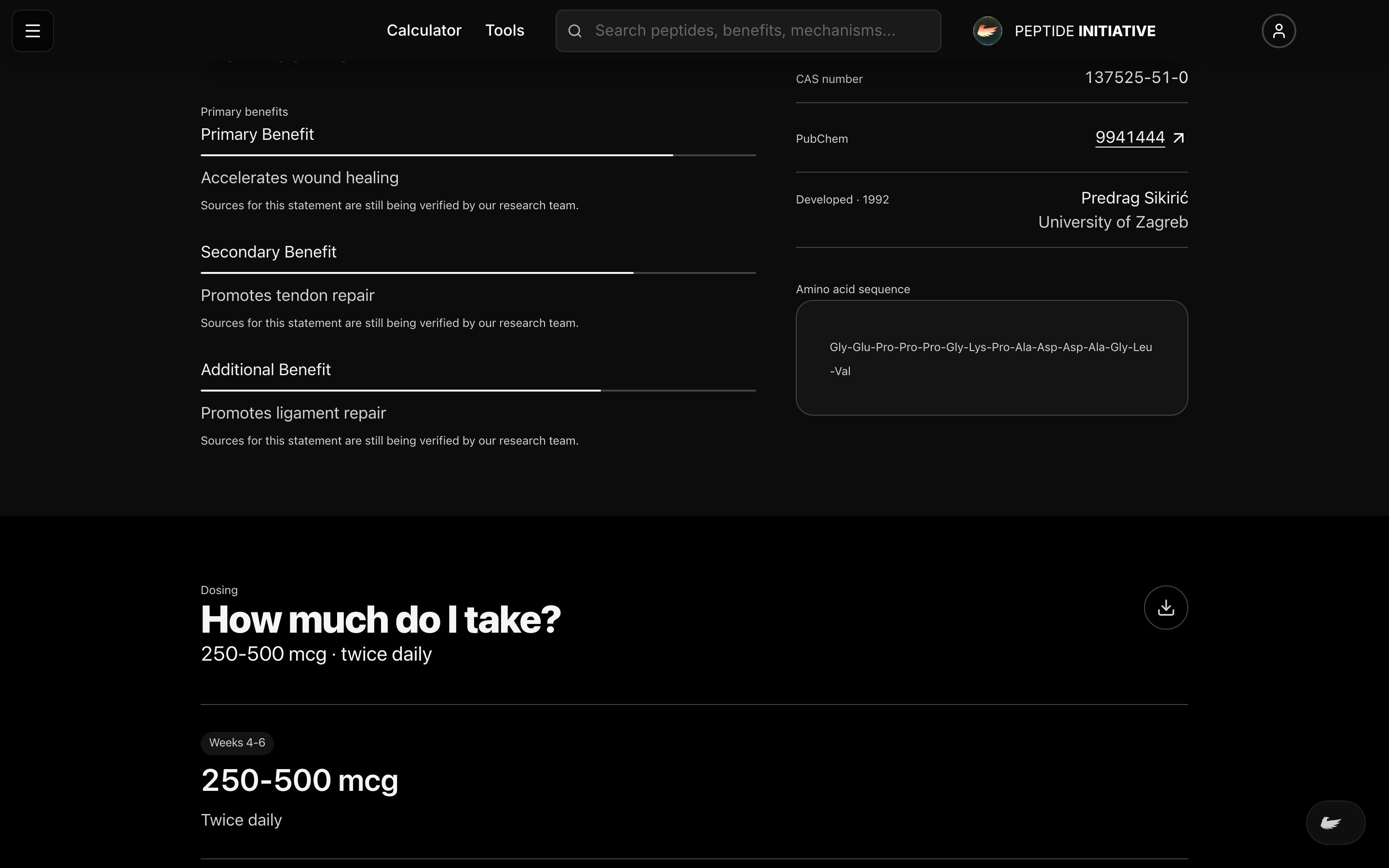
Export any section for study
Dosing, safety, effectiveness — every major section of a profile leaves the site in whatever format your notes already live in.
Pick a section, pick a format
- 1Every section header carries an export button
- 2Press it and pick a format
- 3PDF and Excel download as files
- 4Note apps get their own format: Notion, Obsidian, OneNote, Apple Notes, Evernote, Google Keep, Notability, Simplenote, Amplenote, Anytype
Watch
The export menu
One section, exported in the format your notes live in.
Good to know
Exporting needs a free account — the menu sends you to sign in the first time.
Notion, OneNote and Evernote ask to connect your account once; after that, sending is one press.