
Tutorial 13 of 15
Copy, share, or save any card
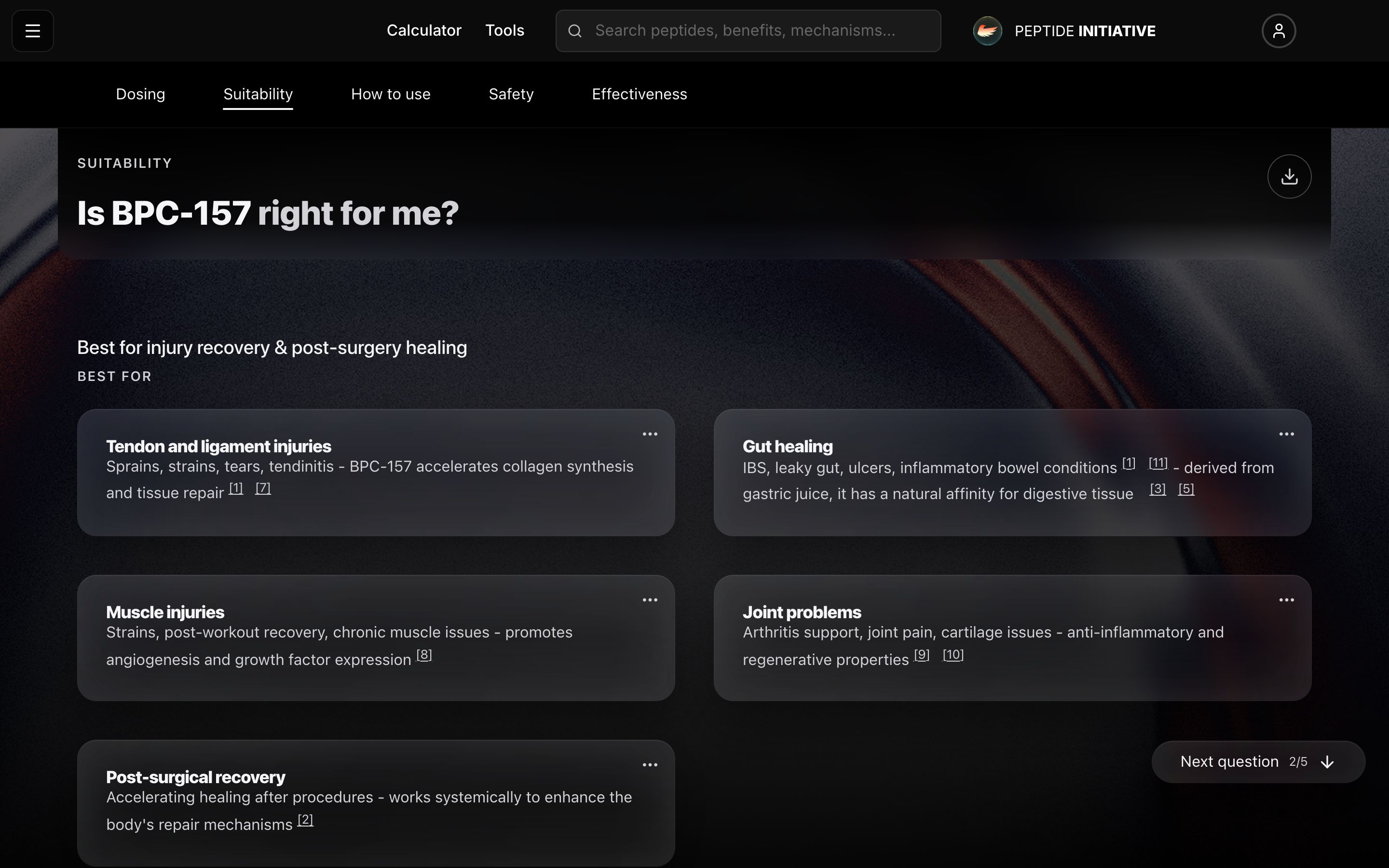
The recommendation cards on every profile hide a small action menu — hold your finger on one, or right-click it.
The hidden card menu
- 1Find the cards under Is this right for me?
- 2Press the card's menu button — or hold your finger on the card, or right-click it
- 3Copy to clipboard grabs the card's text plus a link that reopens the page at that exact card
- 4Share hands the same thing to your device's share sheet; signed in, Save to Notebook joins the menu
Watch
The card menu
Hold or right-click a recommendation card for copy, share, and save.
Good to know
The menu deliberately ignores ordinary taps and scrolling — only a hold or a right-click opens it, so the page never fights your thumb.